The 92 Game login is a phone number and a password, and when it works it takes about ten seconds. This page covers the steps, and — more usefully — the handful of things that go wrong and how to tell them apart.
DEMO This page explains how the mechanic works on the real platform. On this site it is simulated — no funds move, and no payment details are ever collected.
How to log in, step by step
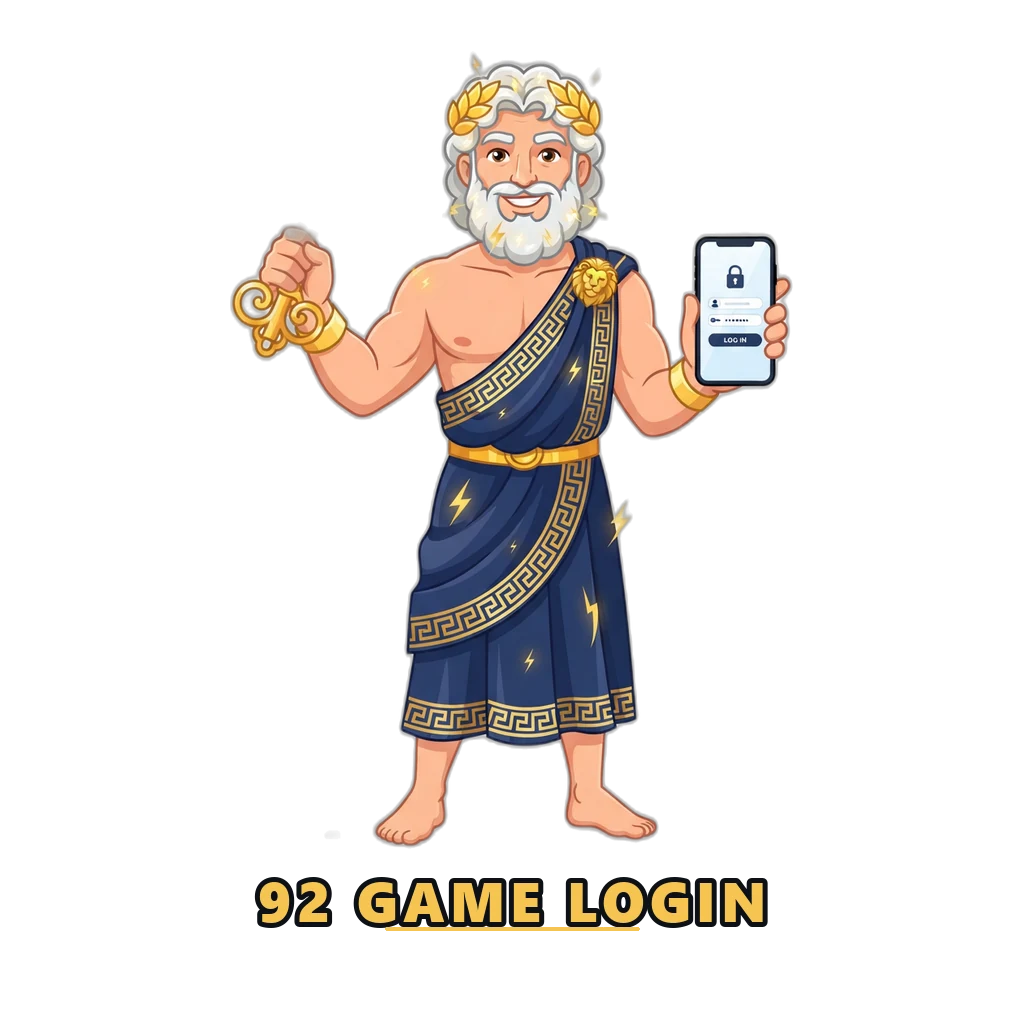
- 1. Open the platform
Launch the app or open the site. On this demonstration, open the demo area — nothing you enter is transmitted or stored on a server.
- 2. Choose phone or account login
The platform accepts a registered phone number. Pakistani numbers use the +92 country code, entered without a leading zero.
- 3. Enter your password
Passwords combine uppercase and lowercase letters, numbers and a symbol. Passwords are case sensitive, which is the single most common cause of a failed sign-in.
- 4. Complete any verification
If a verification code or slider check appears, complete it. Codes are time limited and expire quickly.
- 5. Confirm you are on the right account
After signing in, check the UID and VIP level on the Account tab match what you expect before doing anything else.
No account yet? The registration guide covers signup, including where an invite code goes if you have one.
When login does not work
Login failures look identical from the outside, so the fix is to rule causes out in order of how common they are.